
Username and Password: A Quick Guide

Apr 05, 2023
When you signed up on the MemberXP website to become a shopper, you selected a username and password. If you do not recall or need to reset your username or password, please follow these instructions:
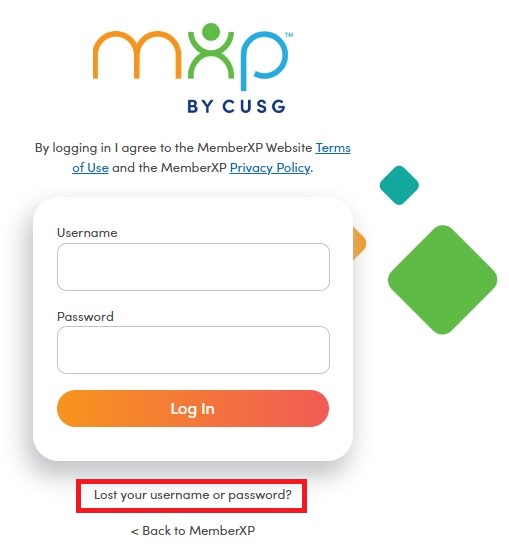
Click on the "Lost your username or password?" link which is found on the login screen on MemberXP.com (screenshot below).
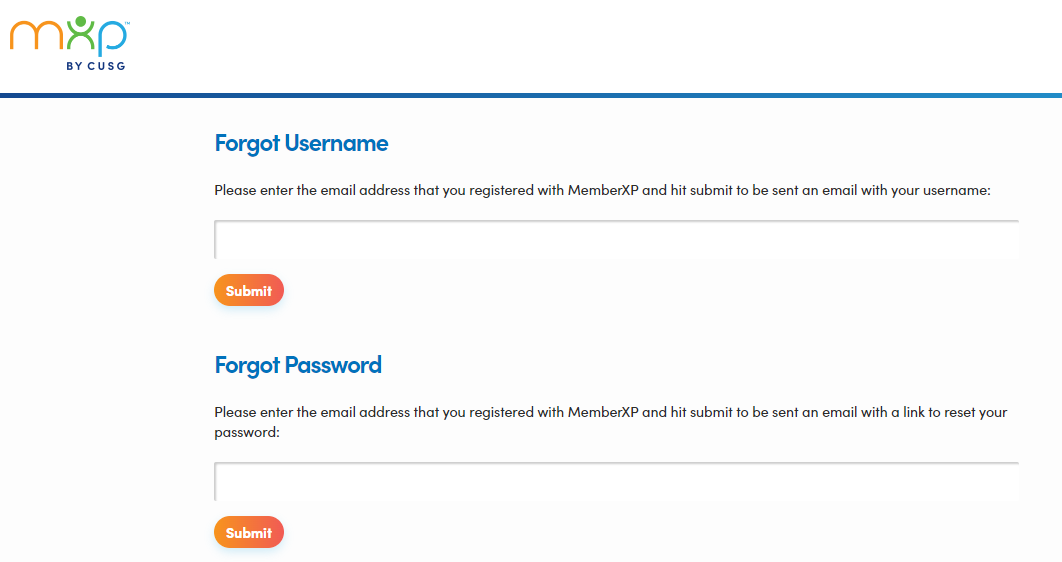
Enter your email address in the appropriate box to receive an email with your username or to reset your password: